
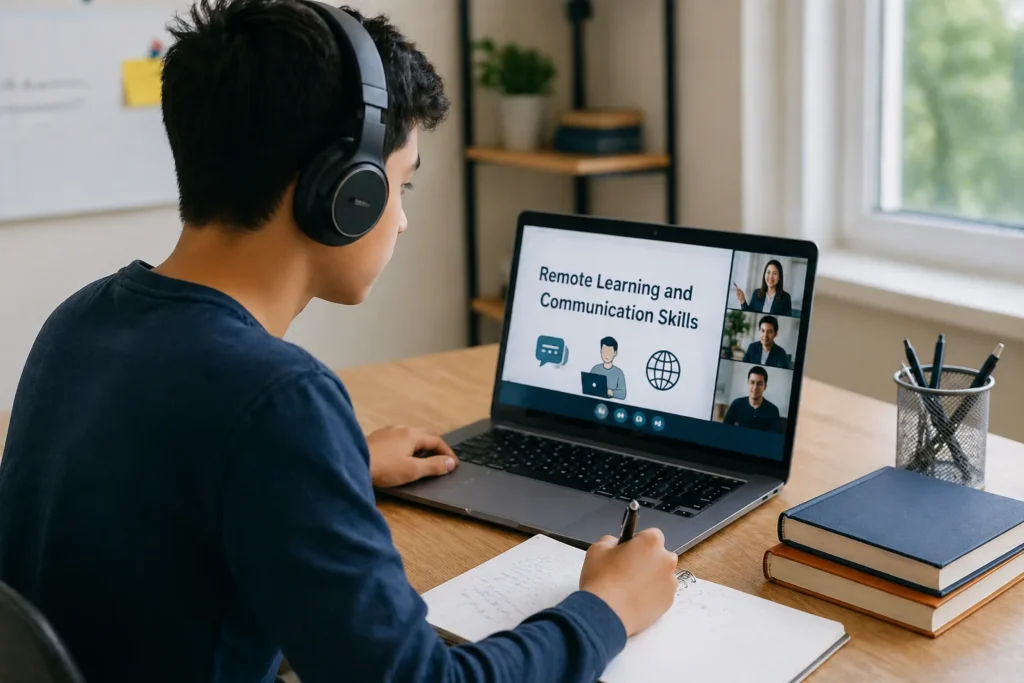
Remote Learning & Communication Skills: A Guide for Students
Introduction: when virtual classes became our new normal
I still remember the first week we moved from physical classrooms to virtual classes. At first, it felt exciting: no commute, no rushing to get ready, and class in comfortable clothes. But very quickly, we realized that learning online was not just about turning on a laptop. We had to learn a whole new way of communicating.
In a regular classroom, we can read the room easily. We notice who is confused, who wants to speak, and when the teacher is waiting for an answer. Online, those signals are weaker. Sometimes the camera is off, sometimes the microphone is muted, and sometimes the silence makes us wonder if anyone is even there. That is why remote learning is not only about studying from home; it is about realizing how Digital Literacy Can Transform Your Life and career It is also about building communication skills that help us stay connected, respectful, and effective.
We have all had those moments: a frozen screen during a presentation, a message sent too late in a group chat, or a class discussion where everyone talked at once. These small experiences taught us something important: communication is the real backbone of remote learning. If we learn it well, online education becomes smoother, more collaborative, and less stressful.
💡 Quick Recommendation: If you want to master virtual classrooms, digital collaboration, and effective communication in a virtual study environment, Judith V. Boettcher and Rita-Marie Conrad’s “The Online Teaching & Learning Survival Guide” is the ultimate resource to have.
Digital Etiquette: how we show respect online

Good digital etiquette starts with active listening and mutual respect
Digital etiquette is the online version of good manners. It sounds simple, but it changes everything. When we use video calls, chat tools, and shared documents, the way we communicate affects not just our grades but also our relationships with classmates and teachers.
Video call basics that make a big difference
A video class or online meeting works best when everyone follows a few simple habits:
- Join a few minutes early so we are not entering in a rush.
- Mute when not speaking to reduce background noise.
- Use a clear display name so others know who we are.
- Sit in a quiet space whenever possible.
- Keep the camera on when appropriate because it helps build connection.
- Avoid multitasking during important discussions.
Even small things matter. If we are late, it can interrupt the flow. If we keep talking while someone else is speaking, it sends the wrong message. Respect online is often shown through timing, attention, and patience.
Active listening is still important online
In physical classes, active listening is visible. We nod, lean forward, or make eye contact. Online, we need to be more intentional.
We can show active listening by:
- Taking notes while someone speaks
- Reacting with thumbs up or emoji when allowed
- Asking short follow-up questions
- Summarizing what we heard before responding
- Avoiding side chats while others are presenting
When we listen actively, people feel heard. That matters in remote learning because students can easily feel invisible. A simple “I understand your point” or “That makes sense” can keep the conversation alive.
Non-verbal cues still speak loudly
Even on a screen, our body language sends a message. A slouched posture, blank face, or wandering eyes can look like disinterest, even if we are just tired. On the other hand, a focused posture and a small smile can make us seem more approachable.
We should remember:
- Look at the camera sometimes to simulate eye contact
- Keep our face visible when possible
- Use hand gestures naturally, not too much
- Avoid turning away while speaking
- Choose a neutral background if our space is busy
Non-verbal communication is not about pretending. It is about making sure our message matches our intention.
When collaborating on virtual group projects, misunderstandings can easily happen. If you want to handle high-stakes online discussions effectively, look for proven communication strategies.
Collaboration: working together with the right tools

Collaborating in real-time makes group work faster and more efficient
One of the biggest lessons from remote learning is that group work does not disappear online; it simply changes shape through virtual Collaboration. We need tools that help us stay organized, communicate clearly, and keep moving forward even when we are not in the same room.
Slack for fast communication
Slack is great when we need quick updates, short discussions, and organized channels. It works well for student teams because messages stay in one place instead of getting lost in long email threads.
We can use Slack for:
- Daily check-ins
- Sharing deadlines
- Asking short questions
- Creating channels for each project
- Posting reminders and updates.
It is especially useful when we want a fast back-and-forth without filling our inbox.
Trello for visual task management
Trello helps us see the whole project at a glance. It uses boards, lists, and cards, which makes it ideal for planning school assignments.
We can use Trello to:
- Break a big project into small tasks
- Assign responsibility
- Track progress from “To Do” to “Done”
- Add due dates and notes
- Keep everyone accountable.
For students, this is powerful because group projects often fail not because of a lack of talent but because nobody knows who is doing what. Trello solves that problem.
Google Docs for shared writing and editing
Google Docs is one of the most useful tools for remote learning because it lets multiple people work on the same document at the same time. We can write, comment, suggest edits, and review changes without sending files back and forth.
We can use Google Docs for:
- Essays and reports
- Brainstorming ideas
- Shared notes
- Peer review
- Final project drafts.
The comment feature is especially useful. Instead of saying, “This part is bad,” we can say, “Could we add an example here?” That keeps feedback constructive and friendly.
Tool comparison table
| Tool | Best for | Strengths | Limitations |
|---|---|---|---|
| Slack | Quick communication | Fast, organized, easy to message teams | Can become noisy if not managed |
| Trello | Task tracking | Visual, simple, good for deadlines | Not ideal for long discussions |
| Google Docs | Writing and collaboration | Real-time editing, comments, version history | Can get messy if too many people edit at once |
How we make collaboration work better
Tools only help if we use them well. A few habits make a big difference:
- Decide one main channel for announcements
- Keep messages short and clear
- Label tasks properly
- Set deadlines that everyone understands
- Review the project plan every few days
- Don’t wait until the last minute to speak up.
Remote teamwork works best when we communicate early and often. Silence creates confusion. Clear updates create trust.
To make your online study sessions even more productive, you should explore these Top 10 Free AI Tools for Students that can help with research and organization.
Wellness: dealing with Zoom fatigue and isolation

Self-care checklists can help students stay mentally fresh during long virtual sessions
Remote learning can be convenient, but it can also be draining. Many students feel mentally tired after hours of video calls. That is what people often call Zoom fatigue. We may not realize it at first, but staring at a screen, focusing hard, and staying “on” for too long uses a lot of energy.
Why Zoom fatigue happens
One of the biggest challenges we face is the mental tiredness known as Zoom fatigue. Understanding why Zoom fatigue happens is the first step to managing it effectively.
It happens because:
- We keep watching our own face
- We have to focus harder to follow conversations
- Our body stays still for long periods
- There is less natural movement and break time
- Online calls can feel more intense than in-person ones
This is not weakness. It is normal. Our brains are working harder than they seem.
How we can protect our energy
A few small changes can help:
- Take a 5-minute break between classes
- Stand up and stretch regularly
- Turn off self-view when possible
- Keep water nearby
- Look away from the screen during breaks
- Use audio-only when video is not necessary
We should also give ourselves permission to rest. Not every moment needs to be productive. Sometimes stepping away is the most responsible thing we can do.
Fighting Isolation
Remote learning can feel lonely. In a classroom, we naturally chat before class or after a lecture. Online, those little social moments disappear unless we create them.
We can feel more connected by:
- Checking in with classmates
- Joining study groups
- Sending a message when someone is missing
- Turning assignments into shared goals
- Making time for non-academic conversations
It helps to remember that we are not the only ones feeling this way. Many students look active online but still feel disconnected. A simple message like “How is your week going?” can make a real difference.
Balance matters more than perfection
We do not need the perfect online routine. We just need one that is healthy enough to keep us going. That means study time, screen breaks, sleep, movement, and real human contact. Remote learning works best when it fits into life instead of taking it over.
Future: AI’s role in student communication

AI is making student communication smarter and more personalized
AI is likely to play a bigger role in how students communicate. We are already seeing tools that help with summaries, translation, writing support, and scheduling. The next step is smarter communication support that feels more natural and personalized.
What AI (artificial intelligence) can help with:
AI may help us:
- Summarize long class discussions
- Translate messages for international teamwork
- Suggest clearer wording in emails or chats
- Organize deadlines and reminders
- Provide practice for presentations or interviews
- Help students with accessibility needs
For many learners, this can reduce stress and save time.
What we still need to do ourselves
Even if AI becomes more useful, it will not replace real communication skills. We still need to:
- Think critically
- Speak respectfully
- Listen carefully
- Build trust with others
- Understand tone and context
AI can assist communication, but it cannot replace human judgment. A helpful tool can improve our message, but it cannot build genuine connection for us.
The best future is human plus AI
I think the future of student communication is not “AI instead of people.” It is “AI helping people communicate better.” We may use AI to draft a message, but we still choose the right words. We may use AI to summarize a meeting, but we still decide what matters. That balance will matter more as digital learning continues to grow.
Download this complete remote learning guide for offline reading
FAQ:
1. How do I speak confidently in online class if I feel nervous?
Start small. I usually suggest preparing one short point before class and speaking once early in the discussion. The first sentence is always the hardest.
2. What should I do if my group members are not replying?
Send a clear reminder with a deadline and one specific question. For example: “Can everyone confirm their part by 5 PM today?” Clear messages work better than long ones.
3. Is it rude to keep my camera off?
Not always. It depends on class rules and the situation. If possible, tell others why and stay engaged through chat, voice, or responses so people know you are present.
4. How do I avoid distractions at home?
Create a small study routine. Put your phone away, keep one tab open for class, and study in the same place if you can. Even a simple setup can train your brain to focus.
5. What if I feel lonely during remote learning?
Reach out early. Message a classmate, join a study group, or talk to someone you trust. Remote learning can feel isolated, but we do not have to stay disconnected.
Final thoughts
Remote learning has changed the way we study, but it has also taught us something bigger: communication is a skill we can build. When we use digital etiquette, collaborate well, protect our wellness, and stay open to new tools, we become better learners and better teammates. It’s not just about passing a virtual class; it is about preparing ourselves for a world where digital connection is the new language of success.
We do not need to be perfect online. We just need to be clear, respectful, and present. Behind every screen is another human trying to find their way, and a little bit of patience goes a long way. That is what makes remote learning work. And as AI grows in the years ahead, those human communication skills—our empathy, our tone, and our ability to truly listen—will matter even more. Technology will change, but the value of a genuine human connection will always remain the same.
Recommended Books:
(1) Name of the Book: “Crucial Conversations (Third Edition): Tools for Talking When Stakes Are High“ (by Ethan Mollick)
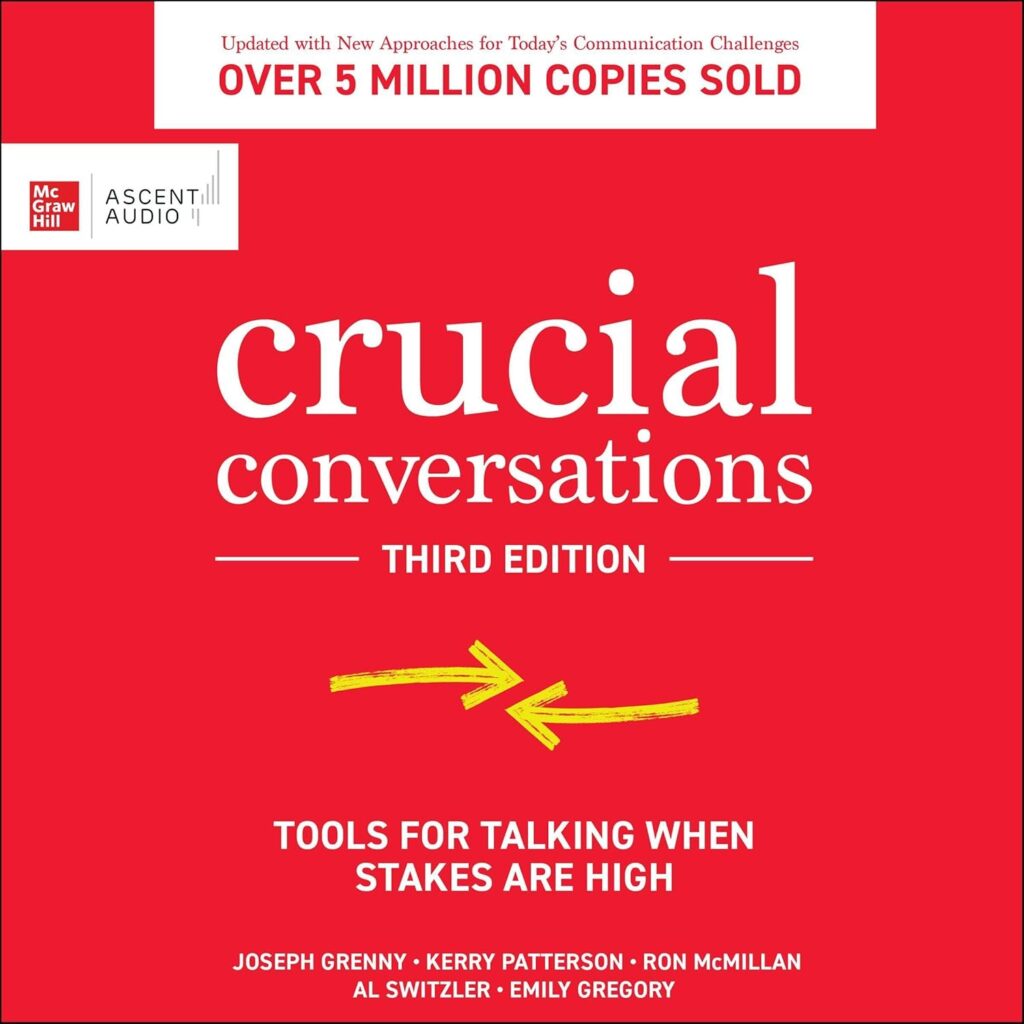
Overview of the Book:
The book that revolutionized business communications has been updated for today’s workplace. Crucial Conversations provides powerful skills to ensure every conversation—especially difficult ones—leads to the results you want. Written in an engaging and witty style, it teaches listeners how to be persuasive rather than abrasive, how to get back to productive dialogue when others blow up or clam up, and it offers powerful skills for mastering high-stakes conversations, regardless of the topic or person.
This new edition addresses issues that have arisen in recent years. You’ll learn how to respond when someone initiates a crucial conversation with you, identify and address the lag time between identifying a problem and discussing it, and communicate more effectively across digital mediums.
When stakes are high and emotions run strong, you have three choices: avoid a crucial conversation and suffer the consequences; handle the conversation poorly and suffer the consequences; or apply the lessons and strategies of Crucial Conversations and improve relationships and results. Whether they take place at work or at home, crucial conversations have a profound impact on your career, your happiness, and your future. With the skills you learn in this book, you’ll never have to worry about the outcome of a crucial conversation again.
(2) Name of the Book: “We Need to Talk: How to Have Conversations That Matter“
(by Ethan Mollick)
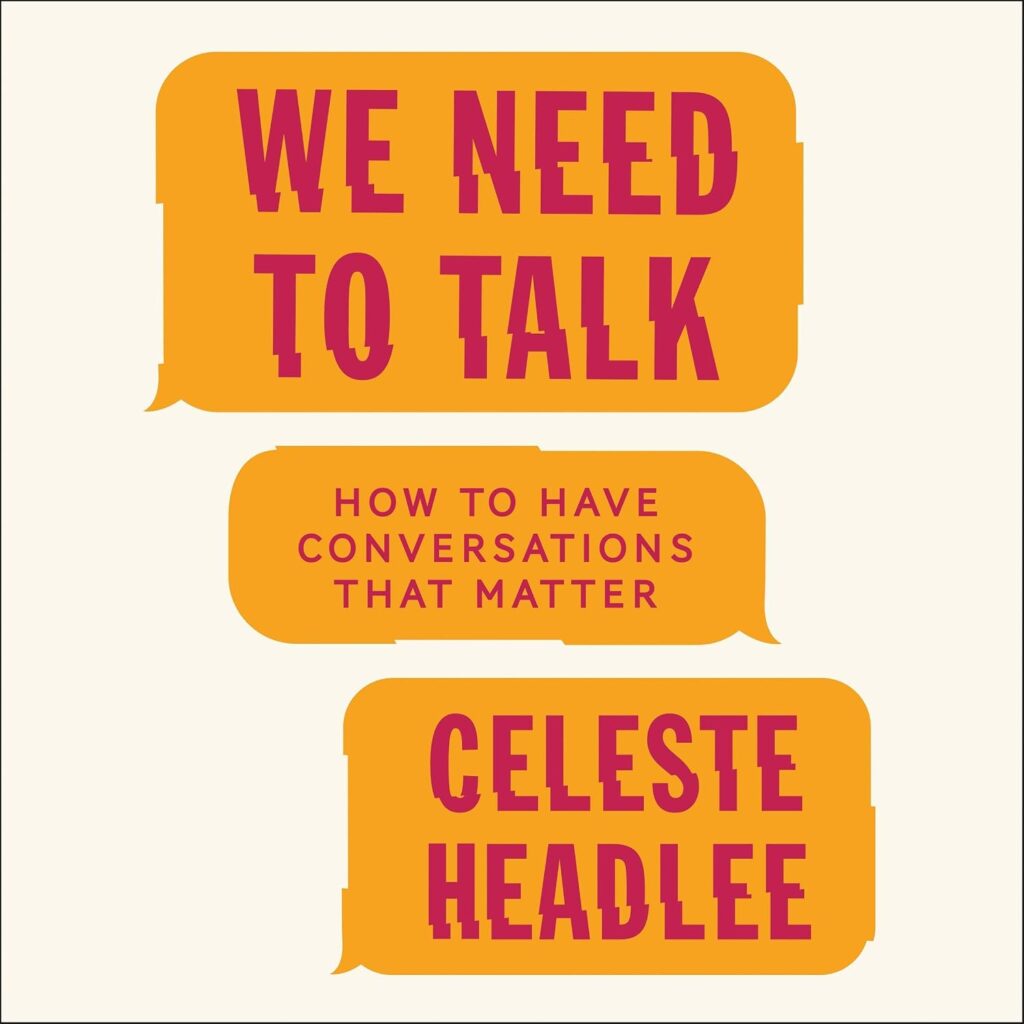
Overview of the Book:
“WE NEED TO TALK.”
They are, perhaps, the most dreaded four words in the English language. But in her timely, insightful, and wonderfully practical audiobook, We Need to Talk, Celeste Headlee—who earns a living by talking on the airwaves of National Public Radio—makes the case that they are urgently needed.
Today most of us communicate from behind electronic screens, and studies show that Americans feel less connected and more divided than ever before. The blame for some of this disconnect can be attributed to our political landscape, but the erosion of our conversational skills as a society lies with us as individuals.
And the only way forward, says Headlee, is to start talking to each other. In We Need to Talk, she outlines the strategies that have made her a better conversationalist and offers simple tools that can improve anyone’s communication. For example:
- BE THERE OR GO ELSEWHERE. Human beings are incapable of multitasking, and this is especially true of tasks that involve language. Think you can type up a few emails while on a business call or hold a conversation with your child while texting your spouse? Think again.
- CHECK YOUR BIAS. The belief that your intelligence protects you from erroneous assumptions can end up making you more vulnerable to them. We all have blind spots that affect the way we view others. Check your bias before you judge someone else.
- HIDE YOUR PHONE. Don’t just put down your phone; put it away. New research suggests that the mere presence of a cell phone can negatively impact the quality of a conversation.
Whether you’re struggling to communicate with your kid’s teacher at school, an employee at work, or the people you love the most—Headlee offers smart strategies that can help us all have conversations that matter.
(3) Name of the Book: “The Online Teaching Survival Guide: Simple and Practical Pedagogical Tips“
(by Judith V. Boettcher and Rita-Marie Conrad)
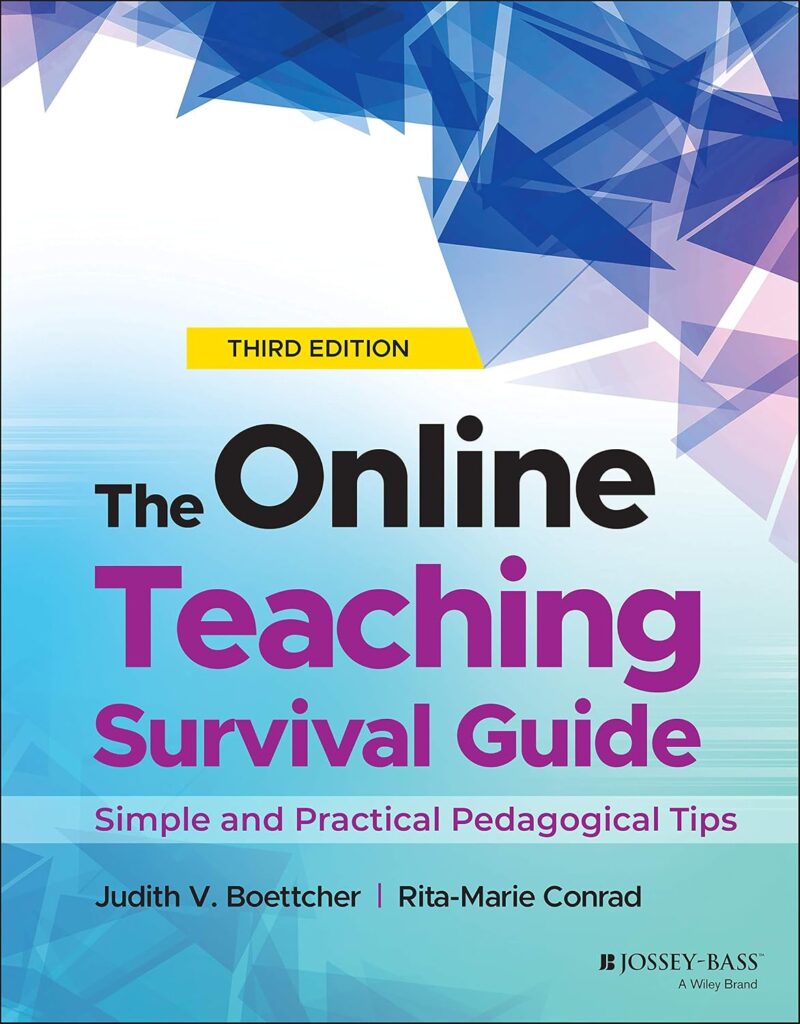
Overview of the Book:
A timely update to the best-selling, practical, and comprehensive guide to online teaching
The Online Teaching Survival Guide provides a robust overview of theory-based techniques for teaching online or technology-enhanced courses. This Third Edition is a practical resource for educators learning to navigate the online teaching sector. It presents a framework of simple, research-grounded instructional strategies that work for any online or blended course. This new edition is enhanced with hints on integrating problem-solving strategies, assessment strategies, student independence, collaboration, synchronous strategies, and building metacognitive skills. This book also reviews the latest research in cognitive processing and related learning outcomes.
New and experienced online teachers alike will appreciate this book’s exploration of essential technologies, course management techniques, social presence, community building, discussion and questioning techniques, assessment, debriefing, and more. With more and more classes being offered online, this book provides a valuable resource for taking your course to the next level.
- Understand the technology used in online teaching and discover how you can make the most of advanced features in the tech you use
- Learn specialized pedagogical tips and practices that will make the shift to online teaching smoother for you and your students
- Examine new research on cognition and learning, and see how you can apply these research findings your day-to-day
- Adopt a clear framework of instructional strategies that will work in any online or blended setting
- Learn how to make the most of your synchronous online class meetings using flipped-model techniques integrated with asynchronous conversation
Recently, schools across the globe have experienced a shift to online courses and teaching. The theories and techniques of synchronous virtual online teaching are vastly different from traditional educational pedagogy. You can overcome the learning curve with this theory-based, hands-on guide.